
Marking a property as Let Agreed will label the advert that a let has been agreed with a prospective tenant, but it won’t be taken off the market as nothing is confirmed at this stage.
- Login to your Dashboard and locate the property you would like to mark as Let Agreed.
- Click the Let Agreed button in the Listing Status column.
- Select Let Agreed.
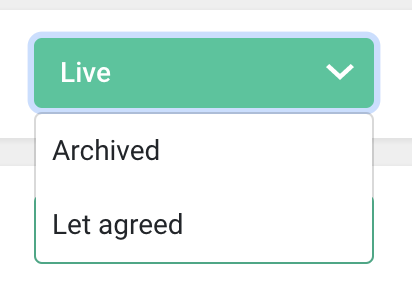
You can change the status from Let Agreed at any time by locating the property and updating the property status in the Listing Status column. This will allow you to either set the property to live or archived.
Comments
0 comments
Please sign in to leave a comment.