
To view an applicant’s MyRentalCV information in more depth, click the View button on the far right of the applicant’s row.

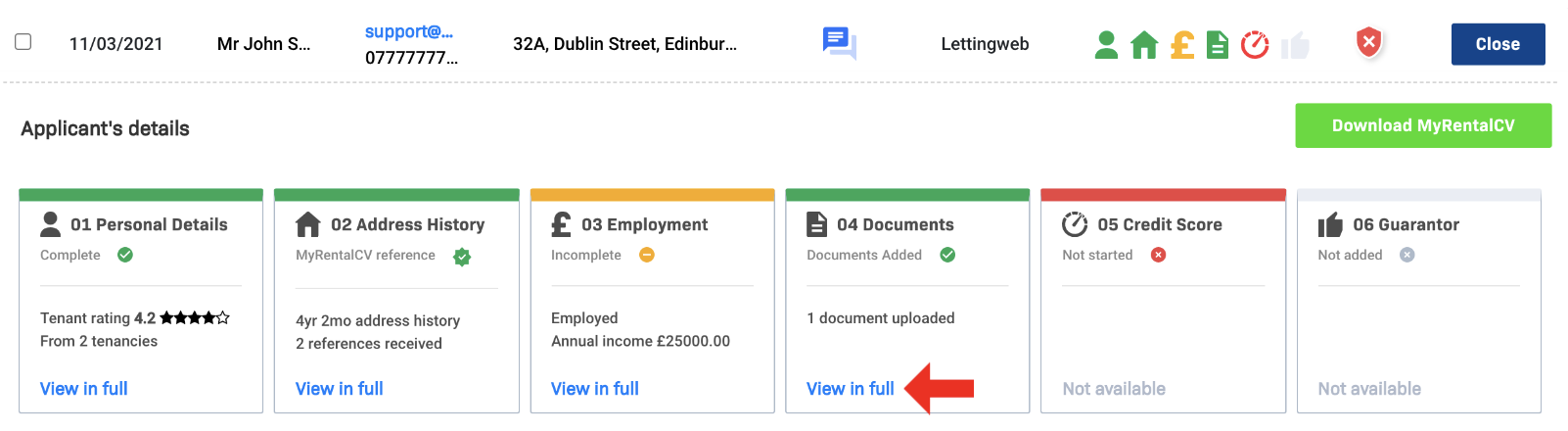
To view a particular section in more detail, click View in full under the section. This will take you to a full comprehensive view of their MyRentalCV, where you can assess their documents, references, and guarantor details in depth.
Comments
0 comments
Please sign in to leave a comment.