
If you wish to upload a new property to Lettingweb, Zoopla, and Prime Location, you can do so in the properties section. *Please note that if you use a feed provider to upload your properties to Lettingweb, you should not use this function and instead use your feed provider.*
How to upload a property to our partner portals
- Login to your River dashboard.
- Click Add new property on the upper left hand side of the page.
- In the Edit Summary tab, enter all of the necessary information regarding your property in each section: Address, Rent & Deposit, Occupancy, Rooms, Features, Descriptions, References, and Property Status. You can click on a heading to be taken to the relevant section. Please note that all of the fields highlighted red must be completed before you can save the property.

4. To attach images or videos to the listing, scroll to the top of the page and click the Upload Media tab. Select 360 tour, Floorplans, Video Flythrough, or Images depending on which type of media you would like to upload.
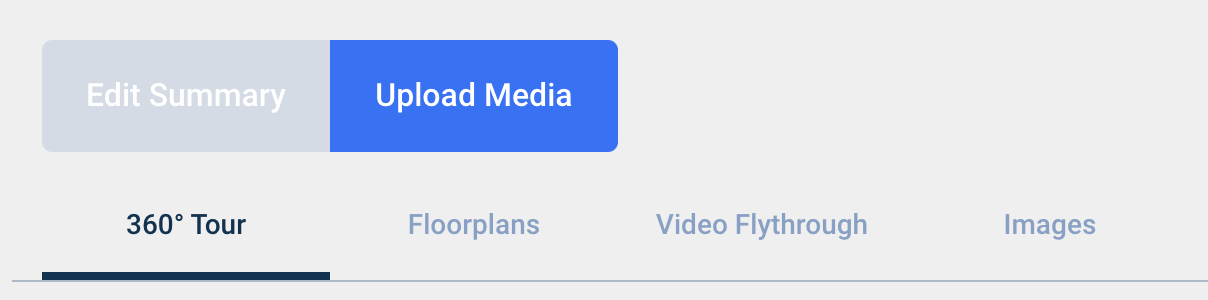
5. To upload a 360 tour, copy and paste the link into the box and click Upload 360 tour.
6. To upload a floorplan, either drag and drop your image into the box or click browse and select your media.
7. To add a video flythrough, you can either add an external video link, or upload your video and host it directly on your property advert. You can select either option by clicking the dropdown menu.
- To upload a video and host it directly on your property advert, drag and drop your video into the box or click Browse and select the video you wish to upload.
- To upload an external video link, paste the link in the box and click Upload Video.
8. To upload images, drag and drop your image into the box or click Browse and select the image you wish to upload. Once the images are uploaded you can select the main display image by clicking Hero Image.
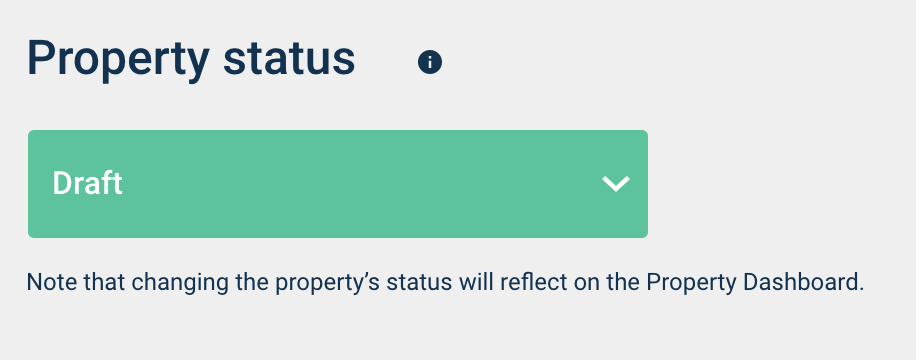
9. Once you have filled out all of your property details and uploaded images/videos, you are ready to publish your property to the live website. You can do this by scrolling to the bottom of the Edit Summary tab and setting the Property Status section to Live.
10. Remember to click the Save Property Details button in the upper right corner after making any changes to a property advert.
11. Your property will now be available for people to view and enquire about via Lettingweb, Zoopla, and Prime Location.
Comments
0 comments
Please sign in to leave a comment.