
Deleting a property that has not yet been published
- Login to your River dashboard and locate the property you would like to delete.
- Click the Edit button in the Property Details column.
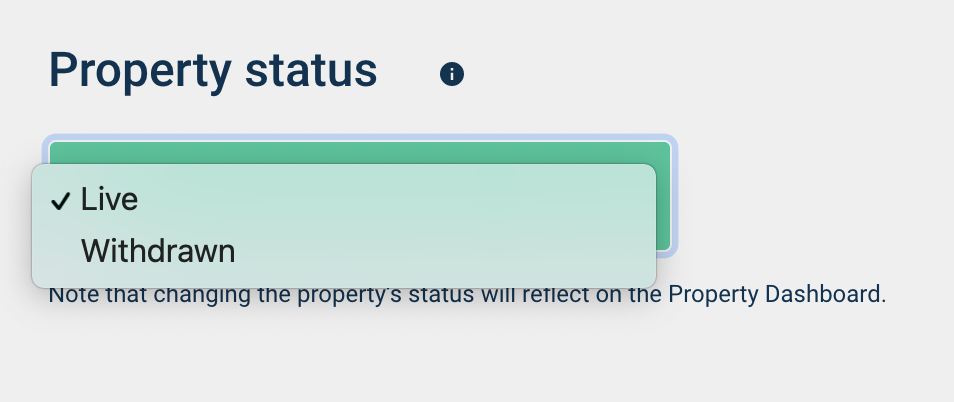
- Scroll to the bottom of the upload page, click Draft underneath Update Property Status, and click Withdrawn.
- Click the Save Property Details button in the upper right corner.
- To find out how to view your withdrawn properties, click here. You cannot recover a draft property once it has been withdrawn.
To archive a property that has been published
- Login to your River dashboard and locate the property you would like to delete.
- Click the Edit button in the Property Details column.
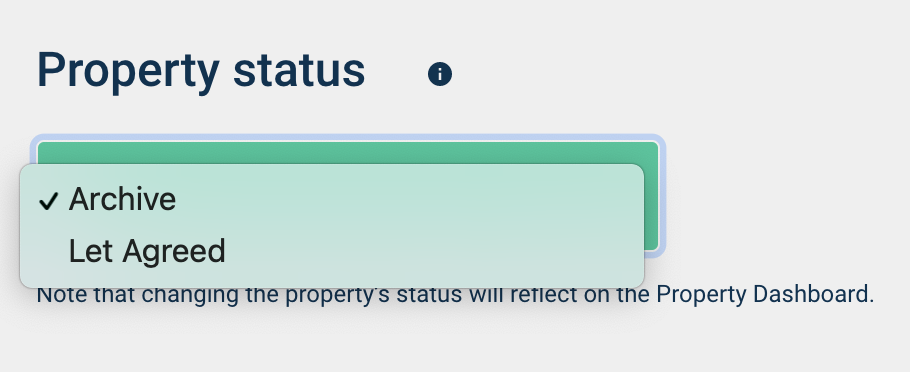
- Scroll to the bottom of the upload page, click the Property Status button, and click Archive.
- Click the Save Property Details button in the upper right corner.
- To find out how to view an archived property, click here. To find out how to re-let a property after it has been archived, click here.
Comments
0 comments
Please sign in to leave a comment.